Availability
Critical alerts
Care & Support
A digital product still needs attention after the day it goes live.
Hosting, maintenance, support and continuous optimisation: we keep the technical side healthy, available and able to evolve without turning every issue into a new project.
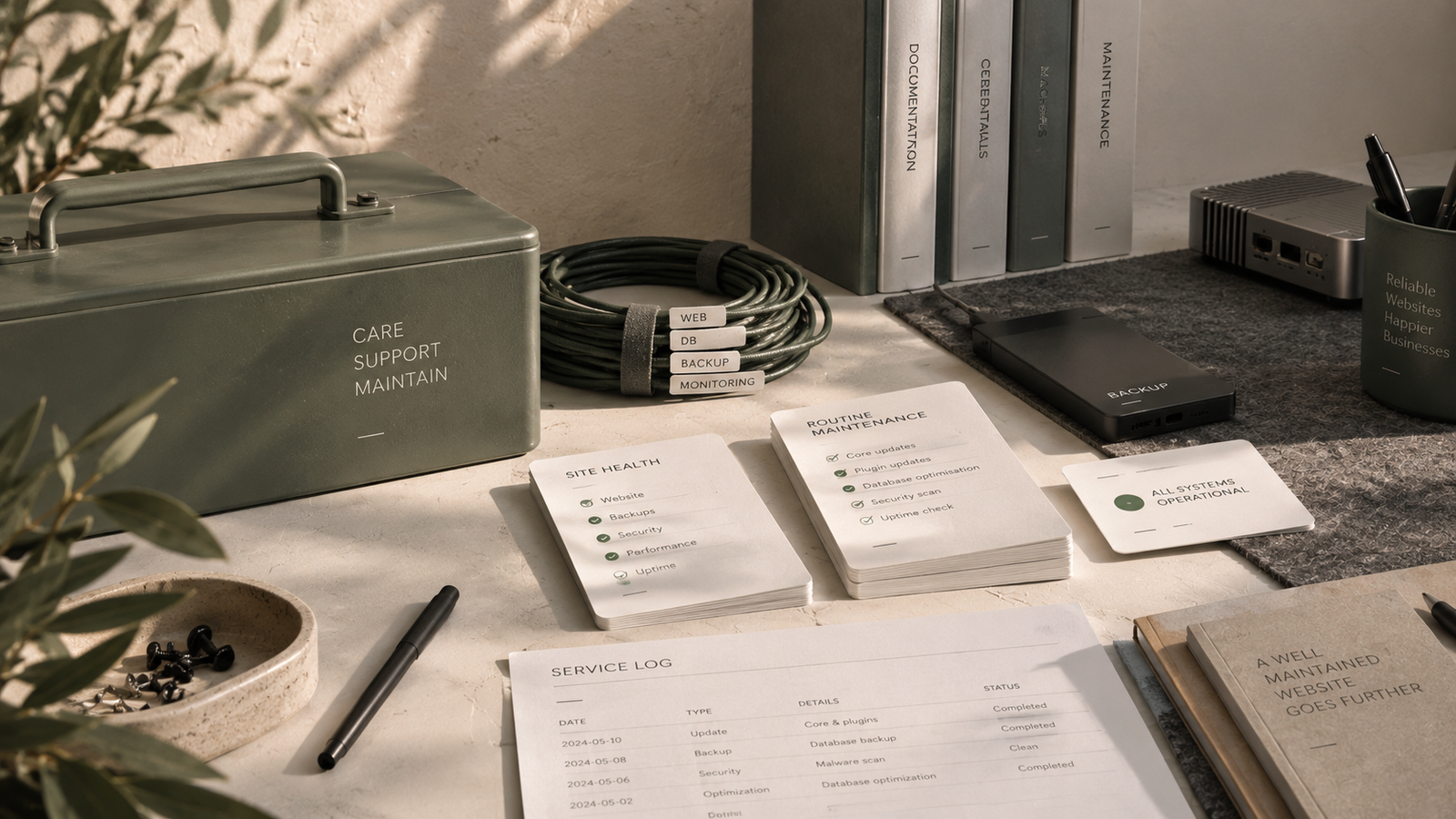
Monitor → maintain → support → improve
After launch
The work changes. It does not disappear.
Once live, a website or application starts living with users, updates, dependencies, integrations and new requirements.
Some things need to remain available continuously. Others require regular checks, occasional intervention or small improvements over time.
Our ongoing care helps address those needs before a problem becomes urgent or an accumulation of small issues forces an unnecessary rebuild.
Monitor
Maintain
Support
Improve
01
Managed hosting
Managed Hosting
Infrastructure should simply do its job while you do yours.
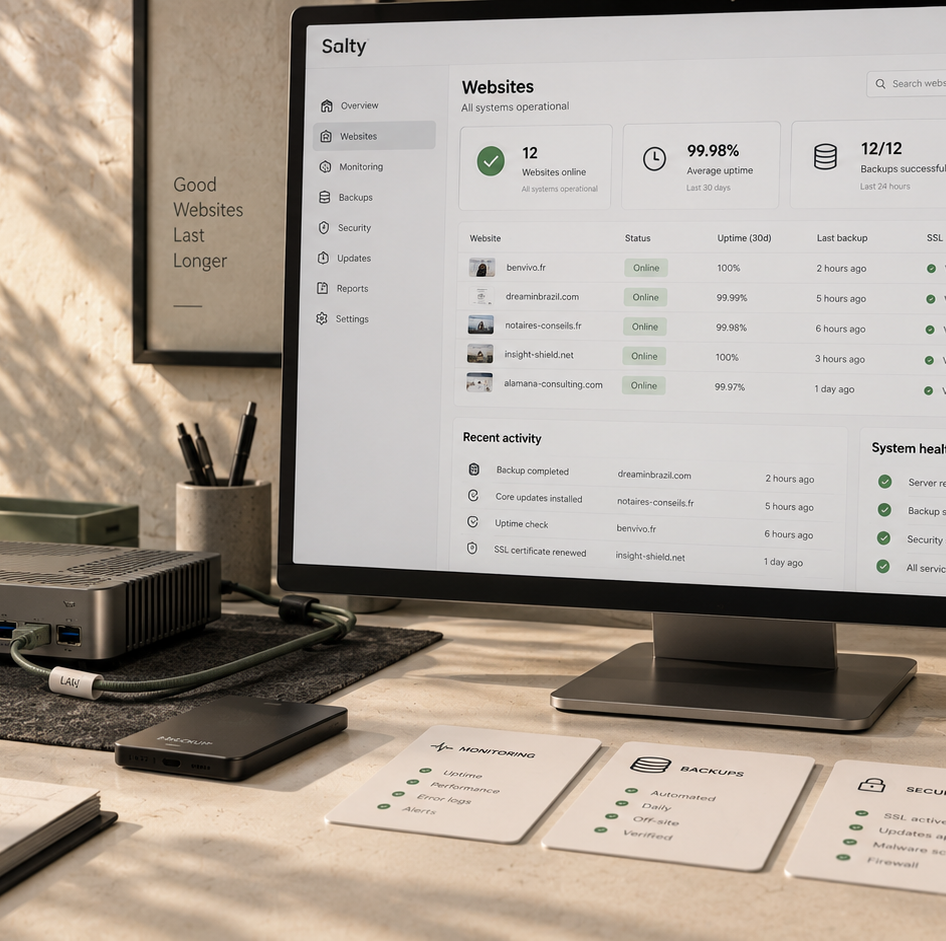
We manage the elements that help keep the site available, secure and recoverable without asking you to become a system administrator.
Hosting is more than renting space on a server. Domain, DNS, SSL, backups, availability and the technical environment all need to work together.
We can manage these directly or support an existing infrastructure depending on the project.
Managed hosting
Server & domain guidance
DNS
SSL
Backups
Availability monitoring
Discuss your hosting
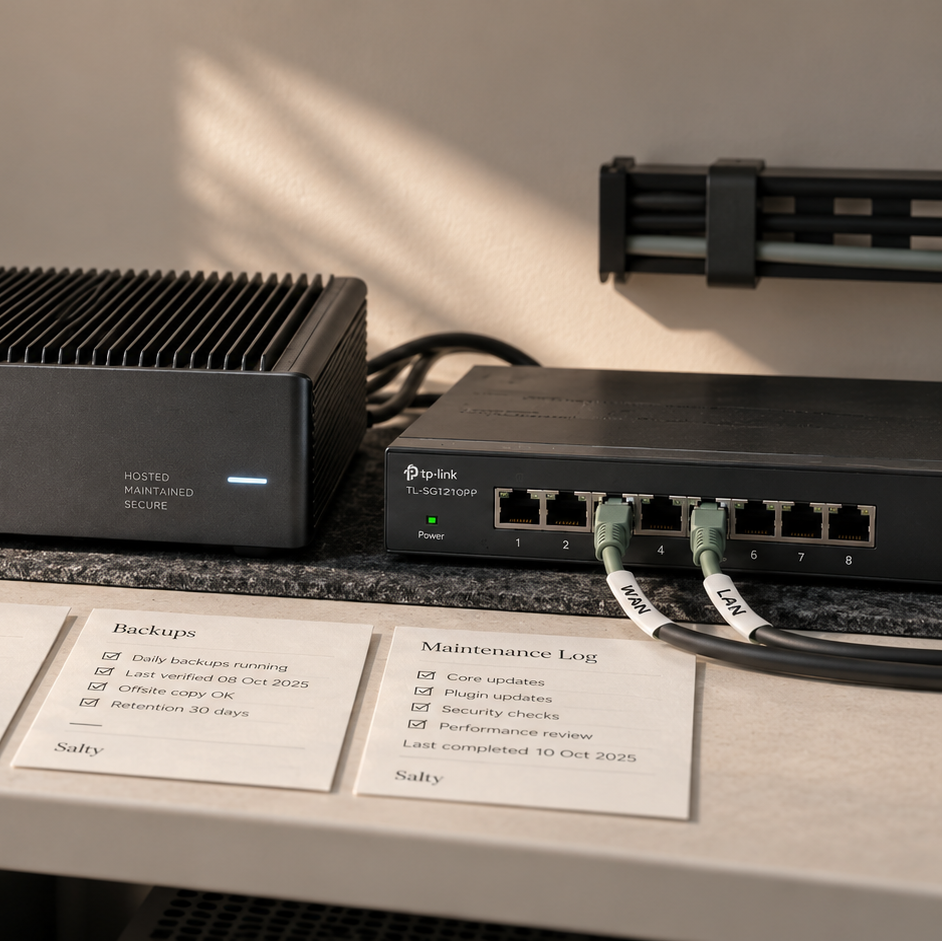
Infrastructure
Under monitoring
Domain & DNS
connected
Hosting
healthy
SSL
healthy
Backups
protected
Monitoring
watching
02
Website maintenance
Website Maintenance
Updates
Compatibility
Backups
Security
Forms
Key functionality
Small fixes
Adjustments
01
Update
02
Backup
03
Test
04
Verify
Small regular checks prevent many large interventions.
We keep WordPress, plugins, themes and technical dependencies updated while checking that those changes have not broken anything important.
An update is not complete simply because a button was clicked. Compatibility, critical functionality and sensitive areas still need to be checked.
Maintenance can also cover security, backups, minor fixes and adjustments needed for daily operation.
WordPress maintenance
Updates
Plugin & theme maintenance
Security checks
Minor fixes
Functional verification
Put your site under maintenance
03
Technical support
Technical Support
When something stops working, the first job is understanding why.
We handle bugs, integrations, unexpected behaviour and operational issues without treating every symptom as a separate problem.
A good intervention begins by reproducing the issue, identifying its source and understanding its impact before changing the system.
After the fix, we verify the affected journey so the problem has not simply moved elsewhere.
Diagnostics
Bug fixes
Integration support
Technical assistance
Incident resolution
Operational help
Request technical support
Form
New enquiries are no longer being received.
Integration
An external connection is no longer responding correctly.
Interface
A behaviour is incorrect on mobile.
01
Diagnose
Reproduce and isolate the cause.
02
Intervene
Correct the source of the issue.
03
Test
Verify the affected behaviour.
04
Validate
Confirm normal operation.
04
Continuous optimization
Continuous Optimization
Page weight
Loading
Assets
CTAs
Forms
Journeys
Mobile
Clarity
Accessibility
Technical debt
Integrations
Stability
Observe
Prioritise
Improve
Verify
A good digital product can keep getting better without constantly being rebuilt.
We use feedback, data and observed issues to identify small improvements that can progressively strengthen the product.
Some improvements concern performance or technology. Others affect experience, conversion, content or internal operations.
The idea is to maintain a clear list of opportunities, prioritise them and verify the effect of the changes that are made.
Performance monitoring
UX improvements
Conversion improvements
Technical improvements
Functional enhancements
Iterative optimisation
Improve your product
Not every ongoing need happens at the same rhythm.
Some layers operate continuously. Others return regularly, appear when something goes wrong or evolve as new opportunities emerge.
Always
Regularly
As needed
Progressively
Hosting
Always
Availability, SSL, backups and infrastructure.
Maintenance
Regularly
Updates, security, compatibility and checks.
Support
As needed
Diagnosis and intervention when an issue appears.
Optimization
Progressively
Technical, UX and commercial improvements.
The goal is not to intervene constantly. It is to know what to monitor, what to maintain and when to act.
Good continuity
Support works better when the context has not disappeared between interventions.
Following a product over time makes problems faster to solve and decisions easier to make about what genuinely deserves changing.
Backups
Be able to recover when something does not go as planned.
Security
Reduce the risks created by ageing software and dependencies.
Verification
Test important functionality after interventions.
Context
Maintain a clear understanding of how the project works.
Prioritisation
Separate what is urgent from what can simply be improved.
Evolution
Allow the product to progress without rebuilding unnecessarily.
Care & Support
Choose a maintenance level that reflects the reality of the site.
Monthly
From essential technical care to priority support with several included intervention hours each month.
01
Essential
98
€
/ month
For sites needing regular technical maintenance and essential checks.
- CMS, plugin and component updates
- Backup verification
- Availability monitoring
- Essential security checks
- 3 intervention hours included per month
- Indicative response target: up to 72 h
02
Serenity
178
€
/ month
For more regular care with additional capacity for small interventions.
- Everything in Essential
- Regular error and functionality checks
- Basic performance checks
- Small content or configuration changes
- 5 intervention hours included per month
- Indicative response target: up to 48 h
03
Business
298
€
/ month
For sites that are important to day-to-day business and require stronger follow-up.
- Enhanced maintenance and monitoring
- Regular form and critical-function checks
- Technical and database optimisation
- Fixes and minor enhancements
- 8 intervention hours included per month
- Indicative response target: 24–48 h
04
Priority
498
€
/ month
For projects requiring stronger priority and greater monthly intervention capacity.
- Priority technical care and advanced monitoring
- Preventive maintenance and frequent checks
- Optimisation, fixes and minor enhancements
- Priority intervention handling
- 12 intervention hours included per month
- Indicative response target: under 24 h
Plans can be adapted based on complexity, current condition and whether the site was originally developed by our team.
Is your project already live?
We can also step in after launch.
Whether we built the project or not, we can begin by understanding its current environment, needs and the level of support that is actually useful.